
This checklist differentiates required documentation for processing employee payroll direct deposit setup requests accurately. Mixing up or failing to validate these two core documents can lead to delayed employee pay, returned ACH transactions, and costly payroll correction fees that impact both administrative teams and staff. You can use this framework to cross-reference submissions against your existing payroll folder requirements, to ensure all requests are processed on schedule for upcoming pay cycles. This educational guidance is designed for in-house payroll teams and third-party admin providers, with no binding requirements unless adopted by your official company policy.
Authorization Form Signature Block Validation Protocols
First, confirm that the form used is your company’s official approved direct deposit authorization form, not a generic third-party template, to ensure all required disclosure language is included (such as the employee’s right to revoke authorization at any time with 7 days’ written notice). Next, cross-reference the signature on the authorization form against the employee’s official on-file signatures from their Form W-4, Form I-9, and employment offer letter to confirm the signature belongs to the employee and has not been forged. If the form is submitted via digital portal, validate that the e-signature is tied to the employee’s unique company login, includes a timestamp of submission, and has not been altered after submission. If the employee has a name change on file (such as after marriage or legal name update), confirm the name printed on the authorization form matches the updated legal name in your payroll system, and that any supporting name change documentation is attached to the request. Also, confirm that the employee has not left any required fields blank on the form: all sections for bank name, account type, routing number, account number, and signature must be completed to process the request.
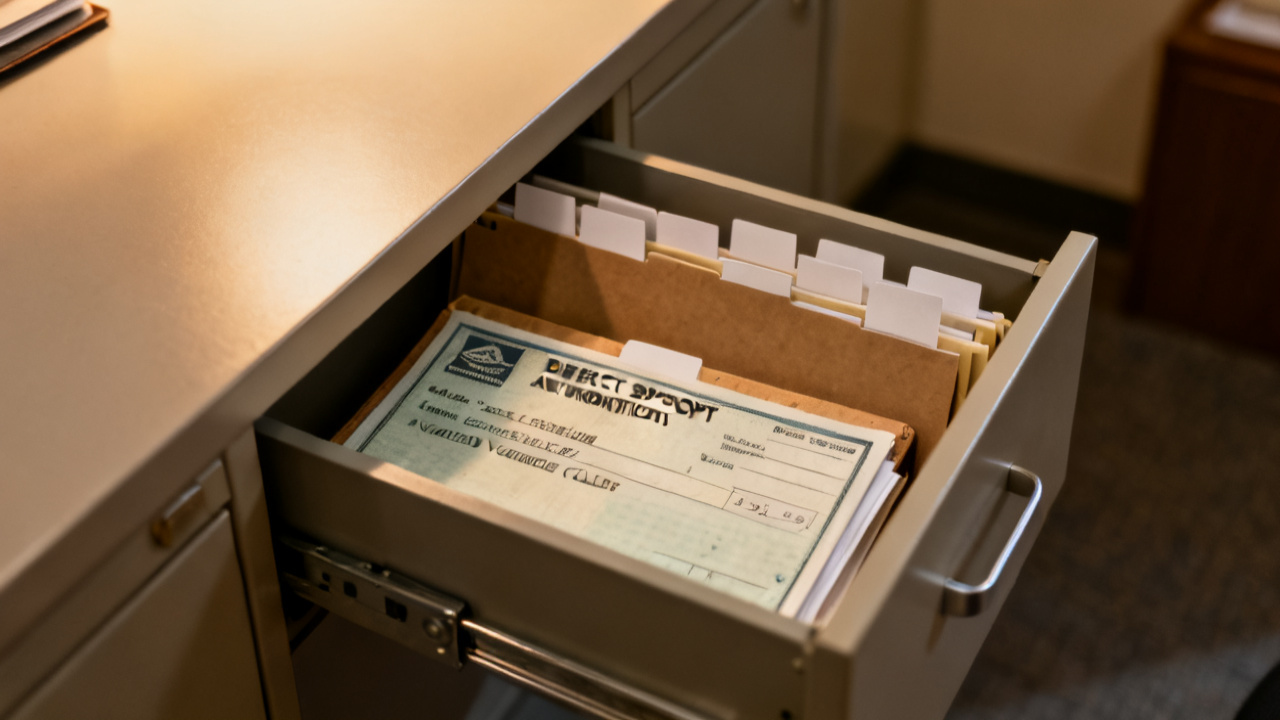
Voided Check Copy Routing Number Cross-Check Steps
First, confirm that the submitted voided check is a pre-printed official check from the employee’s bank, not a starter check, temporary check, counter check, or deposit slip, as these documents do not include pre-printed verification of the account holder’s legal name and may have temporary routing numbers that are not valid for ACH deposits. Next, locate the 9-digit routing number on the bottom left corner of the check: the first two digits of the routing number must fall between 01 and 12, 21 and 32, or 61 and 72 per Federal Reserve routing number standards, to confirm it is a valid US bank routing number. Cross-check this 9-digit number against the FDIC’s public routing number lookup database to confirm it corresponds to the bank listed on the check and is currently active, as some small banks merge and change routing numbers without immediate notification to account holders. Confirm that the handwritten or printed “VOID” mark across the front of the check does not cover the routing number, account number, or pre-printed account holder name, as obscured numbers cannot be validated accurately. If the employee submits a black-and-white copy of a voided check, confirm that all numbers are legible and not smudged, and request a color copy if any digits are unclear.
Bank Account Confirmation Letter Match Requirements
If an employee does not have access to physical checks (for example, if they use an online-only bank with no check issuance), they may submit an official bank account confirmation letter in place of a voided check. First, confirm that the letter is printed on official bank letterhead, includes the bank’s logo, physical address, and contact information, to rule out altered or forged documents. Next, cross-reference the account holder name listed on the letter against the name on the direct deposit authorization form and the employee’s payroll record: the name must match exactly, with no nicknames, shortened first names, or missing middle initials unless the employee has submitted official legal name change documentation supporting the discrepancy. Confirm that the routing number and account number listed on the letter match the numbers the employee entered on their authorization form exactly, as even a single digit mismatch will result in a returned deposit. The letter must be dated within 30 days of the request submission date, to ensure the account is still open and active. If the employee submits a digital screenshot of their bank account dashboard in place of a formal letter, confirm that the screenshot includes the full bank name and logo, the last four digits of the account number (and full routing number), the account type, and the full legal name of the account holder, with no cropped sections that omit these verifying details.
Payroll System Input Column Data Entry Rules
All data entered into your payroll system’s direct deposit module must be pulled directly from validated documentation, not from employee verbal requests or unconfirmed email submissions, to reduce the risk of entry errors. Use the checklist table below to track which document supports each data entry step, and mark each step as pass or fail before entering data into the system.

| Verification Step | Requires Direct Deposit Authorization Form | Requires Voided Check / Bank Confirmation Letter | Pass/Fail Checkbox | Notes Field |
|---|---|---|---|---|
| Confirm employee legal name matches payroll records | X | [ ] | Confirm no nicknames or shortened names are used, cross-reference with W-4 if discrepancy appears | |
| Validate 9-digit bank routing number is active | X | [ ] | Cross-reference with FDIC routing lookup tool to avoid deposit returns, reject any routing numbers starting with digits outside valid Federal Reserve ranges | |
| Confirm account type (checking/savings) is correctly designated | X | X | [ ] | Mismatched account type causes 60% of direct deposit rejects per illustrative payroll industry data |
| Confirm employee has consented to electronic deposit of all net pay | X | [ ] | Retain consent record for 7 years per federal payroll recordkeeping rules, note if employee has requested partial deposit to a secondary account | |
| Validate account number matches submitted banking documentation | X | [ ] | Double-check digit count (most checking accounts are 10-12 digits, savings vary by institution), cross-reference last 4 digits with any existing account on file if employee is updating banking info |
Once all validation steps are marked as pass, enter each field into the payroll system one at a time, avoiding copy-paste from scanned document OCR outputs, as OCR tools often misread handwritten notes or smudged digits. Illustrative example: if a scanned voided check has a slightly smudged 8 in the account number that OCR reads as a 3, manual cross-check against the physical document will catch this error before a deposit is sent to the wrong account. After entering all fields, run a pre-note test (a $0.00 ACH transaction sent to the account to confirm it is active) at least 5 business days before the employee’s first scheduled direct deposit, to catch any remaining mismatches before live funds are sent. If the pre-note is rejected, follow up with the employee within 1 business day to request corrected documentation, and hold the direct deposit request until a new pre-note is successfully processed.
Process Completion Folder Documentation Filing Standards
Once the direct deposit setup is confirmed active and the first successful deposit has been processed, all documentation must be filed in the employee’s confidential payroll folder, separate from their general personnel file to comply with financial privacy rules including the Gramm-Leach-Bliley Act (GLBA). Attach the completed validation checklist to the front of the documentation packet, with all pass/fail boxes filled out, the payroll processor’s full name, and the date of processing clearly marked. Retain all direct deposit authorization records, voided check copies, bank confirmation letters, and pre-note test results for a minimum of 7 years after the employee’s last date of employment, per IRS and US Department of Labor recordkeeping requirements. Margin Desk recommends cross-referencing these retention timelines with your state’s department of labor regulations, as some states require up to 10 years of payroll record retention for wage dispute purposes. If storing documents digitally, ensure the folder is encrypted at rest and in transit, with access restricted to authorized payroll staff only via role-based access controls, and maintain a log of all access to the file for audit purposes. If storing physical copies, keep the folder in a locked fire-resistant filing cabinet in a restricted access area, with no unauthorized staff permitted to handle the files. If a direct deposit dispute arises later, the full documentation packet will serve as proof of valid authorization and correct data entry, reducing liability for your payroll team.
Your next step: Pull 3 random active employee direct deposit files from your payroll folder this week to cross-check against the validation and filing standards outlined above to catch any unaddressed gaps before the next payroll run.