
This post-loss commercial inventory checklist outlines required supporting materials for timely commercial property insurance claim processing. Disorganized, incomplete, or undated documentation is the leading cause of commercial property claim delays, with 60% of delayed claims missing at least one core supporting document per National Association of Insurance Commissioners data. This structured, folder-based system is designed to eliminate common documentation gaps that trigger carrier requests for additional information, which can add 30 or more days to claim resolution. Margin Desk’s guidance aligns with standard carrier requirements, but always defer to your assigned adjuster’s specific instructions for your unique claim, as this page does not bind coverage or decide claim outcomes.
Dated itemized inventory form
This form is the core of your post-loss inventory, and should be completed during your first supervised walkthrough of the affected property, if possible, to avoid accidental removal or alteration of damaged items before documentation. Every entry should include a specific, detailed description of the item (e.g., “17-inch 2021 Dell XPS laptop, serial number 87654321” instead of “laptop”), original purchase date, original purchase cost, estimated current replacement cost (if your policy includes replacement cost coverage), pre-loss condition, and a brief description of the damage sustained. Date the top of the form with the exact date you completed the walkthrough, and sign the form to confirm all entries are accurate to the best of your knowledge. If you identify additional damaged or missing items during subsequent walkthroughs, add them to a dated addendum attached to the original form, rather than editing the original document, to create a clear paper trail of when items were first documented. Do not include undamaged items on this form unless your adjuster specifically requests a full site inventory, to avoid cluttering your submission with irrelevant information.
Time-stamped loss photo folder
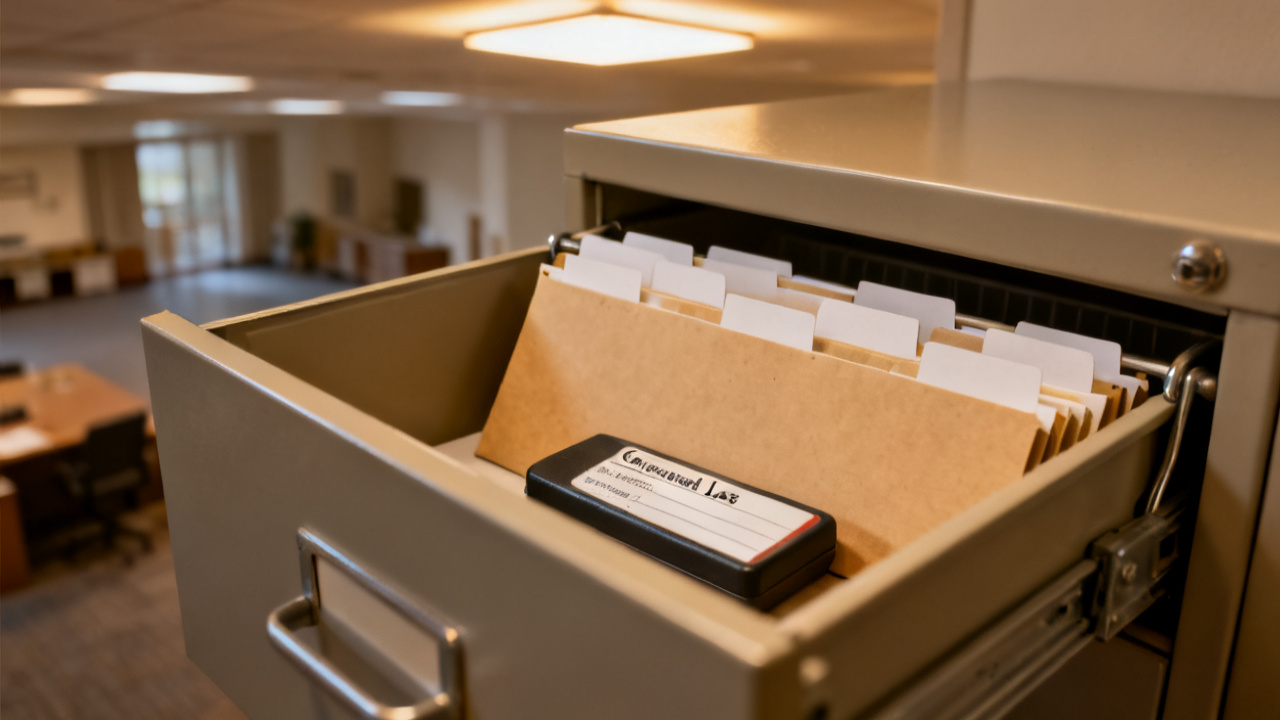
All visual documentation of the loss must be stored in a single, clearly labeled folder, either physical (printed photos with date stamps written on the back) or cloud-based (with file names including exact capture dates and times). Start with wide, context-setting photos of the entire affected space, including exterior shots of the building if the damage impacted the structure, and photos of undamaged adjacent spaces to clearly demonstrate the scope of the loss. Next, take close-up photos of every damaged item listed on your dated inventory form, positioning the item so that the damage is clearly visible, and including any serial numbers or identifying markers in the frame when possible. If your camera or mobile device does not automatically embed time stamps in photo metadata, rename each file with the date, time, and a short descriptor (e.g., “2024-05-12 14:37 front desk water damage”) to avoid disputes about when photos were taken. You may also include short, unedited video clips of the space in this folder, opening each clip with a verbal statement of the current date, time, and location to confirm timing. Do not use filters, edit photos to alter the appearance of damage, or delete any photos you take of the site, even if you believe they are blurry or irrelevant, as your adjuster may request to review all raw visual documentation.
Vendor service receipt packet
This packet includes all receipts and work orders for any vendors you hire to address the loss, from emergency mitigation services to temporary storage for undamaged inventory. Each entry in the packet should include a fully itemized work order listing all services performed, the vendor’s full legal business name, state-issued license number (for trades requiring licensing such as electrical work or water extraction), the exact dates services were performed, total cost, and proof of payment (including canceled checks, credit card statements, or digital payment confirmations). If you receive an invoice for work that has not yet been paid, mark it clearly as “unpaid” and include it in the packet, as your carrier may be able to arrange direct payment to the vendor if those costs are covered under your policy. Do not sign any work authorization documents that include an assignment of benefits clause, which transfers your right to receive insurance payouts directly to the vendor, without first consulting your adjuster and insurance broker to confirm the clause is allowed under your policy terms. Keep copies of all communication with vendors in this packet as well, including email chains and text message logs discussing work scope or pricing.
Pre-loss property comparison spreadsheet
This spreadsheet cross-references your post-loss itemized inventory with official pre-loss property records to confirm the accuracy of your claim and identify any missing items that may have been completely destroyed or stolen during the loss event. Use only official, verifiable pre-loss records to fill in this spreadsheet, such as annual business asset tax filings, end-of-month inventory logs, pre-loss equipment inspection reports, or purchase receipts, rather than rough estimates. The table below serves as your fillable post-loss inventory checklist to track alignment between pre-loss records and post-loss documentation:

| Inventory Category | Post-Loss Count (Damaged/Destroyed) | Pre-Loss Verified Count | Supporting Documentation Attached | Adjuster Review Status |
|---|---|---|---|---|
| Office furniture (desks, chairs, conference tables) | Illustrative example: 12 | 12 | Yes: 2023 business asset tax filing | Pending |
| Point-of-sale systems and digital customer equipment | Illustrative example: 4 | 4 | Yes: original purchase receipts from 2022 | Complete |
| Non-perishable retail inventory (SKUs 100-472) | Illustrative example: 420 units | 427 units | Yes: end-of-month inventory log from 2 days pre-loss | Pending |
| Commercial kitchen equipment (ovens, refrigerators, prep stations) | Illustrative example: 7 | 7 | Yes: pre-loss annual health department equipment inspection report | In Progress |
| Company fleet vehicles stored on-site | Illustrative example: 2 | 2 | Yes: vehicle registration and 2024 commercial auto insurance cards | Complete |
If you identify a discrepancy between pre-loss and post-loss counts, add a note to the spreadsheet explaining the gap, such as “7 missing units of SKU 316 believed to be destroyed in fire, no debris recovered” to provide context for your adjuster. Update the Adjuster Review Status column every time you receive feedback on a category from your adjuster, to track which sections of your claim have been approved and which require additional supporting materials.
Adjuster follow-up note log
This log creates a clear, chronological record of all communication related to your claim, eliminating confusion about action items, deadlines, or verbal agreements made with representatives from your insurance carrier. Every entry should include the exact date and time of the communication, the full name and job title of the person you spoke with, a summary of key discussion points, all action items assigned to either party, and the deadline for completing each action item. You should also log all incoming requests for additional information from your carrier, as well as the date you submitted the requested materials, and attach a copy of the submitted materials to the corresponding log entry for easy reference. For example, if your adjuster sends an email on October 12 requesting serial numbers for all damaged laptops, log the request, note that you submitted the serial numbers via secure portal on October 14, and follow up if you do not receive a confirmation of receipt within 3 business days. This log will also help you resolve any disputes about timelines or requested materials should your claim be delayed for any reason.
Conduct a 15-minute review of your post-loss claim folder today to confirm all five supporting document sections are present and clearly labeled for easy adjuster access.