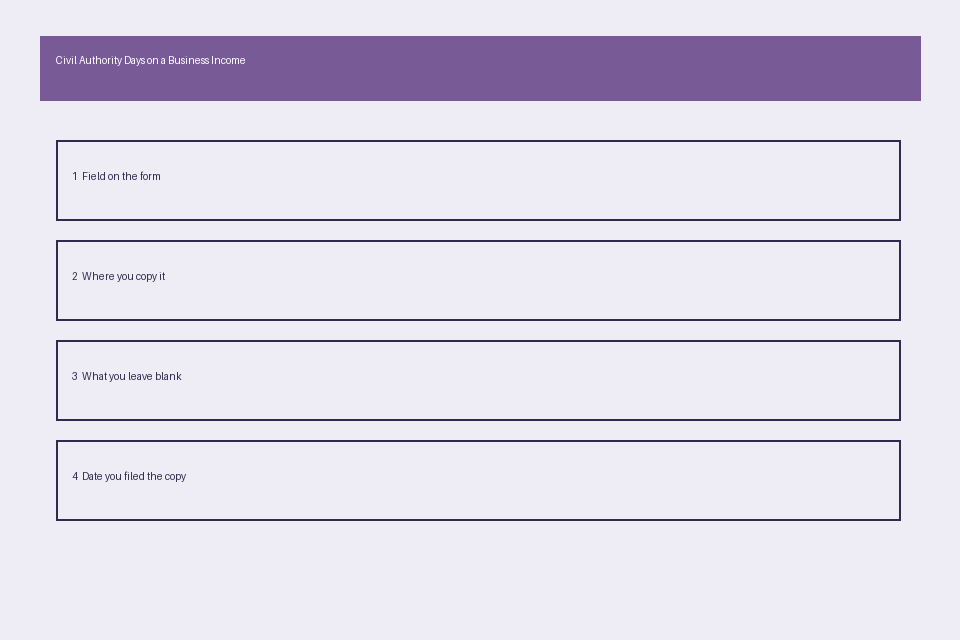
The civil-authority day card captures all relevant eligibility data from a standard business income insurance claim form. It is designed to align directly with common ISO business income form fields, so you can cross-reference every entry against your submitted claim paperwork to eliminate mismatches that delay review. You can store the completed card in your commercial property claim folder alongside your proof of loss, coverage declarations page, and official civil authority notices for fast access during adjuster check-ins. Margin Desk provides this guide for educational use only, and all eligibility decisions are made exclusively by your insurance carrier per your policy terms.
Box 3 civil authority start date entry fields
Box 3 is the standardized field on most business income claim forms where you log the official effective date and time of the civil authority order that restricted access to your commercial property. You cannot enter a date earlier than the order’s public issuance, nor can you use the date you voluntarily chose to close your business before the order went into effect, as both entries will trigger eligibility corrections during adjuster review. If the order specifies a mid-day effective time (e.g., 5pm on a given date), you must include that time in your entry, as partial days may count toward your waiting period or eligible coverage period depending on your policy terms. Before finalizing your entry, cross-reference the date and time against the full unredacted official order posted on the issuing agency’s government website, rather than third-party news summaries or social media alerts, to avoid data entry errors. You can add a 100-character note in the adjacent field on the card to confirm your property’s geographic zone and business category are explicitly named in the order’s coverage parameters.

Schedule A eligible coverage duration calculation cells
Schedule A is the section of the claim form where you calculate total eligible days for reimbursement, after accounting for policy exclusions and mandatory waiting periods. Most standard business income policies include a 72-hour waiting period, which applies to the first three full or partial days of the civil authority restriction, unless you purchased a separate waiting period waiver endorsement. Each cell on Schedule A corresponds to a single calendar day during the restriction window, and you can mark each day with a standardized code to speed up adjuster review: E for eligible, W for waiting period, P for partial restriction (e.g., capacity limits that reduce operations but do not force full closure), and X for excluded (e.g., days you were already closed for a pre-planned renovation during the restriction window). Illustrative example: if a civil authority order goes into effect at 2pm on a Monday, and your policy applies the 72-hour waiting period to full calendar days only, the waiting period will run through the end of Wednesday, making Thursday the first eligible day for reimbursement. You can cross-reference your coded entries against your policy’s civil authority coverage clause to confirm no eligible days are accidentally marked as excluded.
Line 12 supporting civil authority order reference sections
Line 12 is the dedicated section of the claim form where you list all official documentation verifying the civil authority order applies to your property and operations. For each order listed, you must include the full legal name of the issuing agency (state, county, or municipal), the unique order number, the date the order was signed by the authorized official, the public access URL for the full unredacted order, and the specific clause of the order that restricts access to your business type or geographic zone. If multiple sequential orders were issued (e.g., an initial 10-day restriction extended twice for additional 10-day periods), you must list each separate order on its own line under Line 12 to avoid gaps in your coverage timeline. If an order was amended mid-restriction to adjust capacity limits or expand eligible business categories, you must list both the original and amended order, with a short note explaining how the amendment impacts your eligible day count. Do not submit redacted copies of orders unless the redactions apply to unrelated provisions, as adjusters will require full visibility into the order’s terms to confirm eligibility.
Attachment B documented business suspension verification stubs
Attachment B is where you submit proof that your business suspension was directly caused by the civil authority order, rather than unrelated factors like supply chain disruptions, pre-planned closures, or staffing shortages unrelated to the restriction. Acceptable verification stubs include point of sale system logs showing zero in-person transactions during the restricted period, employee timecards showing no scheduled on-site shifts, utility bills showing reduced or zero energy usage at the property during the restriction window, photos of posted closure signs aligned with the order’s effective dates, and signed compliance confirmation from local regulatory agencies. Each stub should be labeled with a unique identifier and the date range it covers, so you can cross-reference it against your Schedule A day count. The table below outlines the standard fields of the civil-authority day card, entry requirements, and corresponding cross-reference locations in your commercial property claim folder to streamline review.
| Civil-Authority Day Card Field | Entry Requirement | Cross-Reference Location in Claim File |
|---|---|---|
| Box 3 Start Date/Time | Full MM/DD/YYYY and official order effective time, plus note confirming your business/zone is covered by the order | Unredacted civil authority order, policy declarations page coverage clause |
| Schedule A Total Restriction Days | Coded count of full and partial days the order is active, minus waiting period and excluded days | Official order end date, public agency announcement of restriction lift, pre-planned closure schedule (if applicable) |
| Line 12 Order Identification | Full list of all applicable original and amended orders, with issuing agency name, order number, and sign date for each | Official full order documents hosted on government agency websites, amendment announcements |
| Attachment B Suspension Proof Stub Count | Number of supporting stubs covering 100% of the restriction period with no gaps | POS logs, employee timecards, utility statements, on-site closure photos, regulatory compliance confirmations |
| Backside Reopening Date Log | Full timeline of restriction lift, partial operations resumption, and full operations resumption | First post-restriction sales receipts, first scheduled employee shift logs, customer reopening announcements |
Card backside post-restriction re-opening date log slots
The back of the civil-authority day card includes pre-formatted log slots to document your reopening timeline, to confirm you resumed operations as soon as the civil authority restriction was lifted. The first slot is for the official date and time the restriction was lifted, cross-referenced against the issuing agency’s public announcement. The second slot is for the date you resumed partial operations (if applicable, e.g., curbside service allowed before full in-person access). The third slot is for the date you resumed full normal on-site operations, and the fourth slot is for notes explaining any delays in reopening unrelated to the civil authority order (e.g., post-storm property damage that required repairs after the restriction was lifted). You can attach supporting documentation to each slot, such as copies of your social media reopening announcement, first full day of sales receipts, or contractor repair invoices for unrelated post-restriction damage. All entries in these slots should align with the end date you listed in your Schedule A calculation, to avoid discrepancies in your total eligible day count.
Before submitting your next business income claim update, cross-reference every entry on your completed civil-authority day card against your policy’s civil authority coverage clause to catch mismatches before your adjuster reviews your file.