
Commercial Vacancy Clause: The Days the Page Counts

The commercial vacancy calendar card logs unoccupied property days to align with your policy’s vacancy clause requirements. Most commercial property policies trigger exclusion of certain perils after 30, 60, or 90 consecutive unoccupied days, so tracking those dates in a single, referenced document eliminates disputes during a claim filing. You will store this card in the front of your commercial property claim file folder for immediate access when submitting loss documentation, and cross-reference it against all policy addendums and adjuster communications. Margin Desk provides this process guidance as educational reference only, so all coverage determinations are made exclusively by your insurance carrier or licensed broker.
Printed calendar card date entry fields
Each physical or digital calendar card includes pre-formatted, sequential date entry fields covering the full 12-month term of your active commercial property policy, as well as extended fields for any policy renewal periods you add to your file. Pre-printed header fields that you will complete upon receipt of the card include the full property street address, policy number, policy effective and expiration dates, listed property owner legal name, and designated property manager contact information. For each date in the sequence, you will mark one of four standardized statuses: “occupied (full-time tenant/on-site staff present)”, “unoccupied (routine compliance check completed)”, “unoccupied (no check completed)”, or “occupied by authorized temporary party (contractor, staging team, security staff)”. You will complete all status entries within 7 days of the end of each week to avoid retroactive guessing or inconsistent log entries that could be flagged as inconsistent during a claim review. For dates where a routine property check is completed, you will note the name of the individual performing the check and the time of their visit in the small notes field adjacent to the date entry, and attach a copy of their visit receipt, work order, or signed check-in log to the back of the card corresponding to that date range. If you restore full occupancy after a period of vacancy, you will mark the first day of restored occupancy with a highlighter to create a clear visual break between occupied and unoccupied periods for adjuster review.

Policy vacancy clause cross-reference boxes
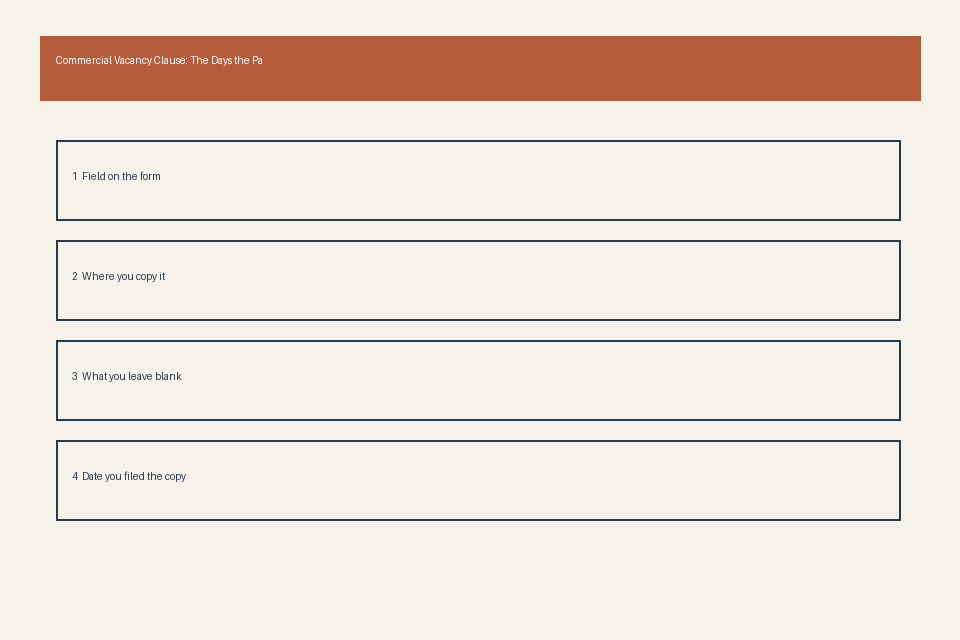
Pre-printed boxes aligned to the right margin of the calendar card are reserved for direct transcription of key terms pulled exclusively from your official policy’s vacancy clause section, no approximations or third-party summaries are permitted in these fields. The first box is labeled “Minimum consecutive vacancy days for exclusion trigger”, where you will write the exact number of consecutive unoccupied days specified in your policy that will activate partial or full peril exclusions. The second box is labeled “Perils excluded during vacancy”, where you will list each explicitly excluded peril from your policy, such as vandalism, theft, non-weather-related water damage, or glass breakage, as these are the most commonly excluded perils under standard commercial vacancy clauses. The third box is labeled “Allowed vacancy exceptions”, where you will document any formal carveouts from your policy, such as extended vacancy allowances for properties under active renovation, properties listed for sale, or properties undergoing post-tenant turnover repairs. The fourth box is labeled “Required notification timeline for extended vacancy”, where you will note the number of days in advance you are required to notify your carrier if you expect the property to be unoccupied for longer than the standard exclusion trigger period. You will attach a signed, dated copy of the exact vacancy clause section from your policy, including any endorsements, to the back of the card directly behind these cross-reference boxes, so you do not need to pull your full policy file during a claim intake call or adjuster meeting.
Claims adjuster signature line blocks
Three dedicated signature line blocks are printed at the bottom of the calendar card for each adjuster assigned to your property claim, to formalize their acknowledgment that they have reviewed your logged vacancy dates and cross-referenced policy terms. The first block is reserved for the initial claim intake adjuster, with fields for the adjuster’s full name, carrier employee ID, date of review, and official signature, which you will request when you first submit your claim and associated documentation. The second block is reserved for the field adjuster, who will complete an on-site inspection of the property to verify occupancy status at the time of loss, and you will request their signature immediately following their on-site visit. The third block is reserved for the coverage determination adjuster, who will make the final decision on whether your logged vacancy days trigger any policy exclusions for the submitted loss, and you will request their signature at the time you receive the formal coverage determination letter. You will never sign a blank adjuster block, and you will always request a signed copy of the full calendar card for your file immediately after each adjuster completes their review. If an adjuster refuses to sign the block, you will note that refusal in the blank margin next to their assigned block, including the exact date and time of the refusal, and notify your licensed insurance broker immediately to escalate the issue.
Eligible exclusion period tick columns
Pre-printed tick columns run along the left side of the calendar card, designed to help you quickly flag which vacancy threshold your property is in at any given time, so you can proactively gather required documentation if a loss occurs. The following table outlines the standard tick column structure for all commercial vacancy calendar cards:
| Column ID | Column Label | Tick Mark Guidance | Supporting Documentation Required |
|---|---|---|---|
| 1 | 0-29 Consecutive Vacant Days | Tick if logged vacancy days fall within this range; no standard exclusions apply for most commercial property policies | None, unless carrier specifically requests written proof of occupancy for individual dates |
| 2 | 30-59 Consecutive Vacant Days | Tick if logged vacancy days fall within this range; cross-reference your policy cross-reference box to confirm if partial perils are excluded for this threshold | Copy of your official policy vacancy clause, written proof of any pre-notification sent to your carrier about planned vacancy |
| 3 | 60-89 Consecutive Vacant Days | Tick if logged vacancy days fall within this range; confirm if any documented policy exceptions (renovation, for-sale listing) apply to your property | Signed copy of active renovation contract, active real estate listing agreement, dated logs of all routine property checks performed during this period |
| 4 | 90+ Consecutive Vacant Days | Tick if logged vacancy days fall within this range; confirm if you have an active extended vacancy endorsement on file with your carrier | Copy of signed extended vacancy endorsement, proof of all required carrier notifications submitted for the full vacancy period, proof of ongoing property maintenance checks |
You will only tick one column per 30-day reporting period, and you will remove any existing tick marks if full occupancy is restored before you cross the next vacancy threshold. Illustrative example: If your policy has a 60-day vacancy trigger, you will tick column 2 once you hit 31 consecutive vacant days, and update your tick to column 3 once you hit 61 days, so you can immediately reference the required supporting documentation for that threshold if a loss is reported.
Attached vacancy verification note sleeves
Four clear, labeled plastic sleeves (or password-protected digital folders, for digital claim files) are attached to the back of the calendar card, designed to store all supporting vacancy verification documentation in one centralized location, so you do not have to search through disparate folders during claim reviews. The first sleeve is labeled “Policy Vacancy Documentation”, and will hold your signed policy vacancy clause, any related endorsements, and written confirmations from your carrier approving extended vacancy or exception requests. The second sleeve is labeled “Occupancy Verification Records”, and will hold all records proving occupancy or property checks, including active tenant leases, contractor work orders, security guard visit logs, and utility bills showing active electrical, water, or gas service at the property during the vacancy period. The third sleeve is labeled “Adjuster Communication Records”, and will hold all signed copies of the calendar card from adjuster reviews, written coverage determination letters, and dated email or call logs of all conversations with adjusters about vacancy status. The fourth sleeve is labeled “Loss-Specific Documentation”, and will hold all records related to any filed claim, including photos of the property taken on the date of loss, police reports for vandalism or theft claims, and repair estimates that tie the reported damage to a specific date within the allowed vacancy period. You will label each document in the sleeves with the corresponding date range it applies to, so you can pull the required record in less than 60 seconds during adjuster calls or formal claim meetings.
Print a copy of your policy’s official vacancy clause today, transcribe the key terms to your commercial vacancy calendar card cross-reference boxes, and store the completed card in the front of your commercial property claim file folder.